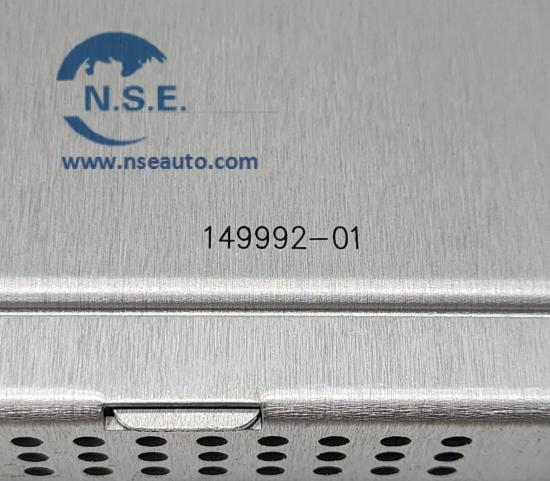

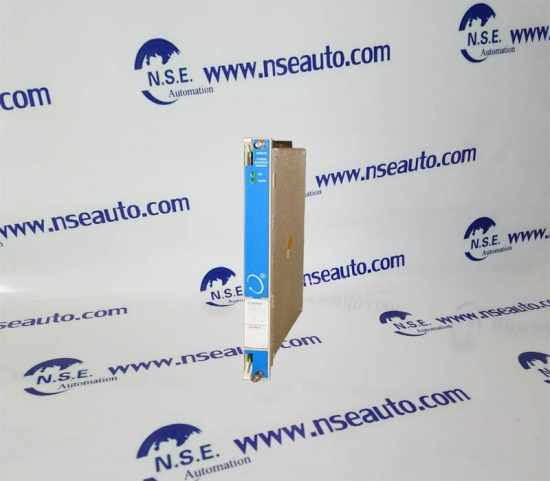
Bently Nevada 3500/15 127610-01 AC/DC POWER SUPPLY
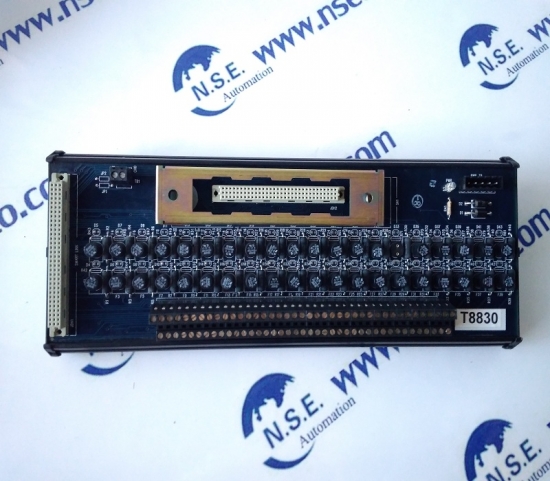
ICS TRIPLEX T8830 Trusted 40 Channel Analogue Input FTA All in stock new original guarantee

Mar 2026 30
Dec 2025 17

2025-07-29

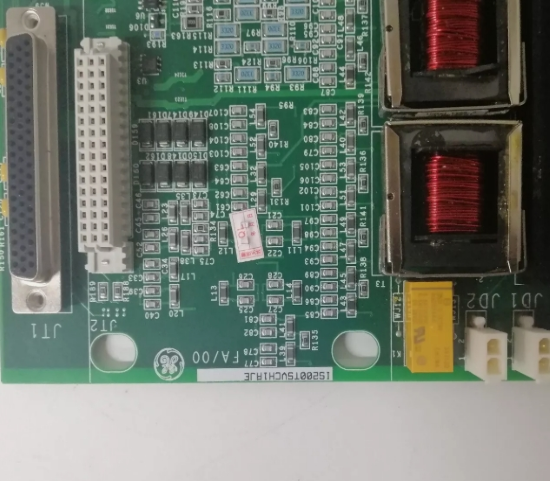
item no.:
IS200TSVCH1AJEbrand:
General ElectricGE IS200TSVCH1AJE Servo Input/Output Terminal Board
The specifications of IS200TSVCH1AJE are as follows:
Basic specifications
Model: IS200TSVCH1AJE
Type: Servo input/output terminal board
Manufacturer: General Electric (GE)
Electrical specifications
Power supply voltage: 24 VDC
Input type: Analog and digital input
Output type: Analog and digital output
Communication interface
Communication protocol: Usually supports multiple industrial communication protocols, depending on the system configuration.
Physical specifications
Dimensions: Standard dimensions, specific dimensions can be referred to the data sheet.
Mounting method: Usually rack mounted.
Environmental specifications
Operating temperature range: -40°C to +70°C
Humidity: Humidity standards adapted to industrial environments.
Features
Redundant design: Improves system reliability.
Compatibility: Compatible with GE's Mark VIe control system.
Application areas
Industrial automation
Power plants
Oil and gas
For more detailed information, it is recommended to consult the relevant product data sheet or contact the manufacturer.
Configuring the IS200TSVCH1AJE servo board typically involves the following steps:
1. Preparation
Make sure you have the appropriate tools and software, such as ToolboxST.
Check that the power supply and connections are working.
2. Connect the servo board
Install the IS200TSVCH1AJE servo board into the control system, making sure all connections are secure.
Make sure the input and output terminals are properly connected to the corresponding devices.
3. Using the ToolboxST software
Launch the ToolboxST software.
Select the appropriate project or create a new one.
4. Configure parameters
Find the configuration options for the IS200TSVCH1AJE servo board in the software.
Enter the required parameters, such as:
Servo motor type
Control mode (such as position, speed, or torque control)
Feedback device settings (such as encoder type)
5. Save and upload the configuration
After saving the configuration, upload it to the servo board.
Make sure the configuration is successfully uploaded and check for any error messages.
6. Test and verify
Perform a system test to verify the functionality of the servo board.
Check that the servo motor responds as expected.
7. Monitor and adjust
Monitor system performance during operation and adjust parameters as needed to optimize performance.
Notes
During configuration, ensure that safety regulations are .
Consult the user manual of the IS200TSVCH1AJE for detailed configuration instructions and technical support.
If more detailed steps or instructions for specific parameters are required, refer to the relevant technical documentation or contact the supplier's technical support.
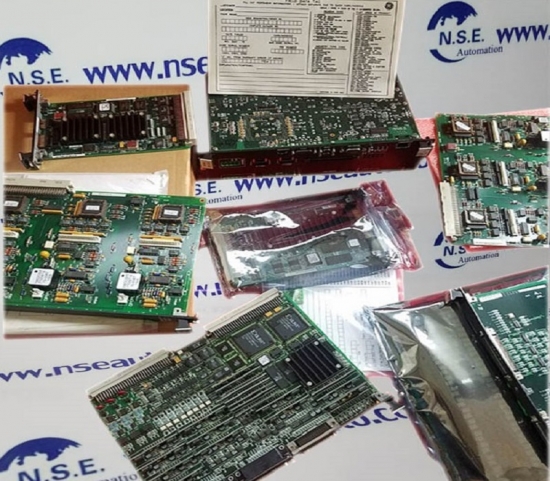
GE 531X135PRGALM1 new and original package with one year warranty
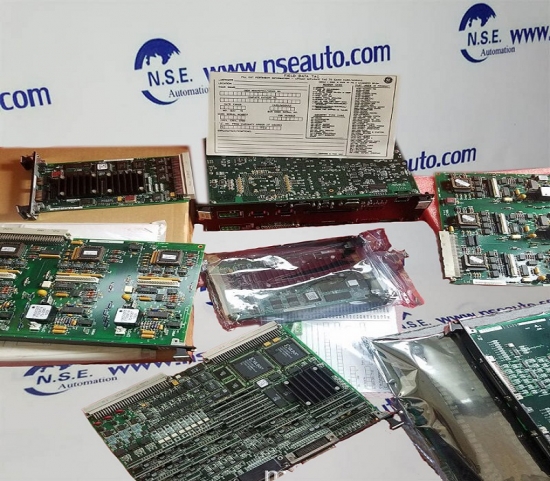
GE DS200FSAAG1A Power Regulating Circuit Card
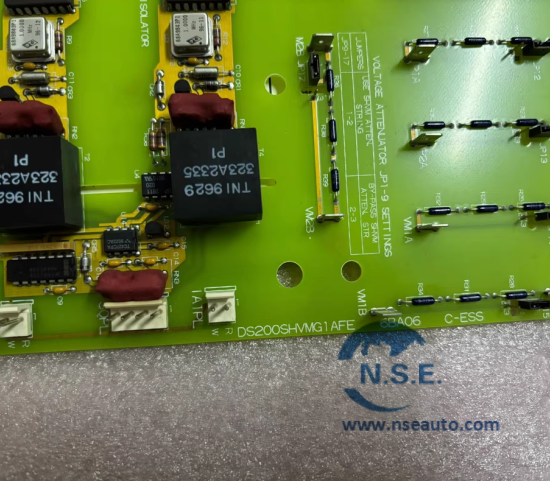
GE DS200SHVMG1A SCR High Voltage Interface Board Basic Attribute: Manufactured by General Electric (GE), this is a high-voltage monitoring and protection board belonging to the Mark V series. Originating from the United States, it serves as a core safety module for gas/steam turbine control systems, specifically designed to integrate seamlessly wit1
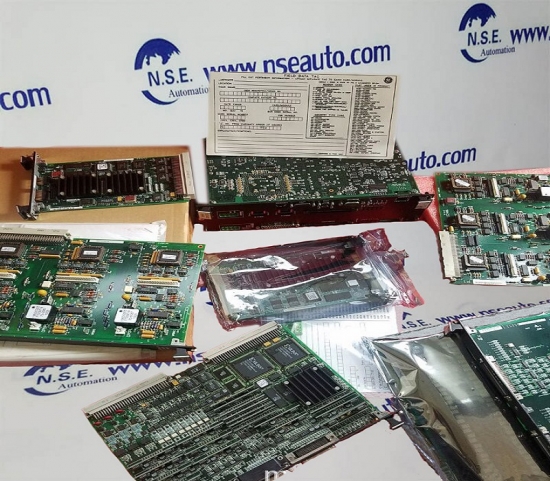
GE IS220PPDAH1A PDM Diagnostic Module
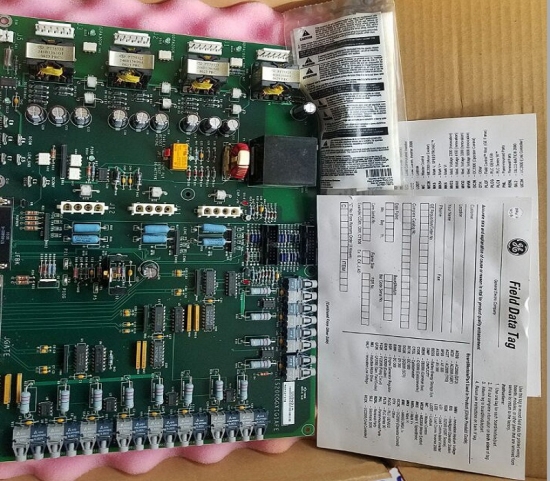
GE IS200JPDSGLA PWR DISTRIBUTION CARD
GE IS220UCSAH1A STAND ALONE MODULE GE PROCESSOR BOARD MARK VI 1. Product Classification & Affiliation IS220UCSAH1A is a key printed circuit board (PCB) developed by General Electric (GE), and it belongs to the product lineup of GE’s Mark VIe Turbine Control System—a high-performance, industrial-grade control platform widely used 1

Customer Satisfaction
Please don’t hesitate to contact us if you have any questions or concerns before or after your purchase. We are committed to your 100% satisfaction.
Guarantee & Returns
1. All products we sell are 100% New original Package.in good condition and will be examed before they are shipped. We will try our best to avoid any quality problems.
2. We offer 12 month warranty after receiving parcels. If there are some workmanship or material defects with the products, please contact us firstly, we will exchange it or offer other solutions for you to make a choice.
3. The shipping and handling charge is not refundable and customer should be responsible for all the charges of unreasonable returning and reshipping. All return items must be in good condition. They must under resalable condition. Man-made defects are not guaranteed, such as broken, scratched and so on. Thanks for understanding and cooperation!

All products we sell are 100% New original Package in good condition and will be examed before they are shipped.
Room 1904, No.96-2 Lujiang Road, Siming District, Xiamen (Building B of Diamond Coast)
Please read on, stay posted, subscribe, and we welcome you to tell us what you think.







 008618150137569
 0086 18150137569
 sales23@htechplc.com